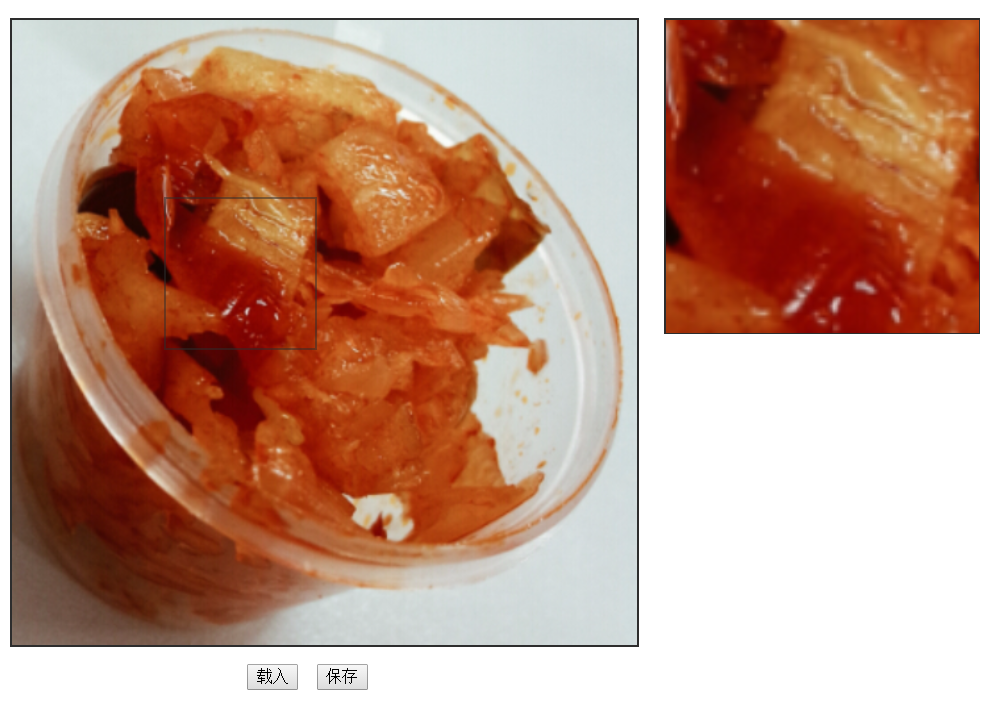
Implement a QQ-screenshot-like tool: click the load button to load an image, long-press on the image to bring up a cropping box, resize the cropping box from its bottom-right corner, and display a real-time preview in the preview area on the right.
Implement a QQ-screenshot-like tool: click the load button to load an image, long-press on the image to bring up a cropping box, resize the cropping box from its bottom-right corner, and display a real-time preview in the preview area on the right. The final result looks like this:
HTML
Pay attention to the canvas setup. The main structure is as follows:
The cropping box has an initial size of 50px * 50px. An invisible resize handle is placed at the bottom-right corner, set to 12px * 12px, and a resize event will be registered on it later.
Based on the original image, use the drawImage method to draw the preview. Here, x and y are the coordinates of the cropping box’s top-left corner relative to the original image’s top-left corner; w and h are the width and height of the cropping box. These four parameters extract the image data within the cropping box. The subsequent (0, 0) coordinate represents where to place this image data on the canvas – (0, 0) means the top-left corner of the image data aligns with the top-left corner of the preview area.
Calculate the top-left corner coordinates of the cropping box, then based on the mouse position after resizing, reset the cropping box dimensions and call the updateRect function to update the preview. Note that the cropping box boundaries must not exceed the original image dimensions.
functiondragDown(event) { event = event || window.event; if (event.target !== event.currentTarget) return; // If the event bubbled up from a child element, return var shotRect = document.getElementById("shotRect"), disX = event.clientX - shotRect.offsetLeft, // Cursor position relative to the cropping box when pressed disY = event.clientY - shotRect.offsetTop; // Bind events document.addEventListener("mousemove", mouseMove); document.addEventListener("mouseup", mouseUp);
functionmouseMove(event) { event = event || window.event; var disL = event.clientX - disX, // Distance from cropping box left edge to left boundary disT = event.clientY - disY, // Distance from cropping box top edge to top boundary maxW = document.getElementById("originImg").clientWidth - shotRect.offsetWidth, // Max width maxH = document.getElementById("originImg").clientHeight - shotRect.offsetHeight; // Max height // Reset if exceeding boundaries if (disL < 0) { disL = 0; } elseif (disL > maxW) { disL = maxW + 1; } if (disT < 0) { disT = 0; } elseif (disT > maxH) { disT = maxH + 1; } shotRect.style.left = disL + 'px'; // Recalculate the cropping box's relative position shotRect.style.top = disT + 'px'; updateRect(disL, disT, shotRect.offsetWidth, shotRect.offsetHeight); }