Wrapping Bash Scripts into CLI Tools with Node.js
How to integrate a commonly used bash script into the npm ecosystem, demonstrated with a recent CR (Code Review) submission script.
Background
As programmers, most of us have used GitHub’s merge request feature. Of course, besides this type of Code Review approach, many companies have their own Code Review platforms—our company is no exception. We use a tool similar to Gerrit, which we’ll refer to as Gerrit here. Recently, while managing engineering governance, we needed to fully switch to using Gerrit for CR submissions. I found that the Gerrit submission command isn’t easy to remember—I’d often need to run git push first, get blocked by an error, then copy the suggested command from the error message and run it again to successfully submit. As an engineer, this was quite unbearable!!!
Requirements
1. Is there a standalone command that lets me submit to Gerrit directly?
2. Is there a CLI tool I can just install and use?
3. Can git push be intercepted by a git hook and conditionally submit to Gerrit?
Solutions
1. Is there a standalone command that lets me submit to Gerrit directly?
Answer: Yes. Once, a colleague saw me struggling with Gerrit submissions and forwarded me a bash script: “Copy it to the /usr/local/bin directory and you can execute it directly with gerrit.” The treasured script (gerrit):
1 | branch=$(git symbolic-ref --short -q HEAD) |
2. Is there a CLI tool I can just install and use?
Answer: Yes. Since we already have the script, as a frontend developer, it’s a must to wrap it into a CLI tool with our beloved Node.js. Just two steps: first run
npm i @dd/gerrit-cli -g, then executegerritin the project directory.
3. Can git push be intercepted by a git hook and conditionally submit to Gerrit?
Answer: Yes. If you still think installing a global CLI is too much trouble, or worry about newcomers being confused, you can use git hooks for interception. Users just need to “mindlessly” run git push. Of course, for frontend, there’s a ready-made git hook tool—the beloved Husky. For other language ecosystems, there should be similar tools available.
Let’s see how to wrap the above script!
Implementation
1. Configure Commands
How can others execute a command in the terminal after installing your npm package? Simply add a bin field to your package.json:
1 | { |
After someone installs it globally with npm i -g your-first-cli-package, they can execute yourCommand in the terminal to invoke your index.js logic. For local installation (npm i your-first-cli-package), the command is installed to node_modules/.bin/yourCommand, containing the same index.js content, and can be called via npm scripts.
2. Execution Declaration
Since we’re using Node.js, the entry JS file (index.js here) needs to declare that the file should be executed with node:
1 |
|
3. Write the Logic
The implementation is rough for now—there’s currently just one command, so no args package is needed.
1 |
|
Usage
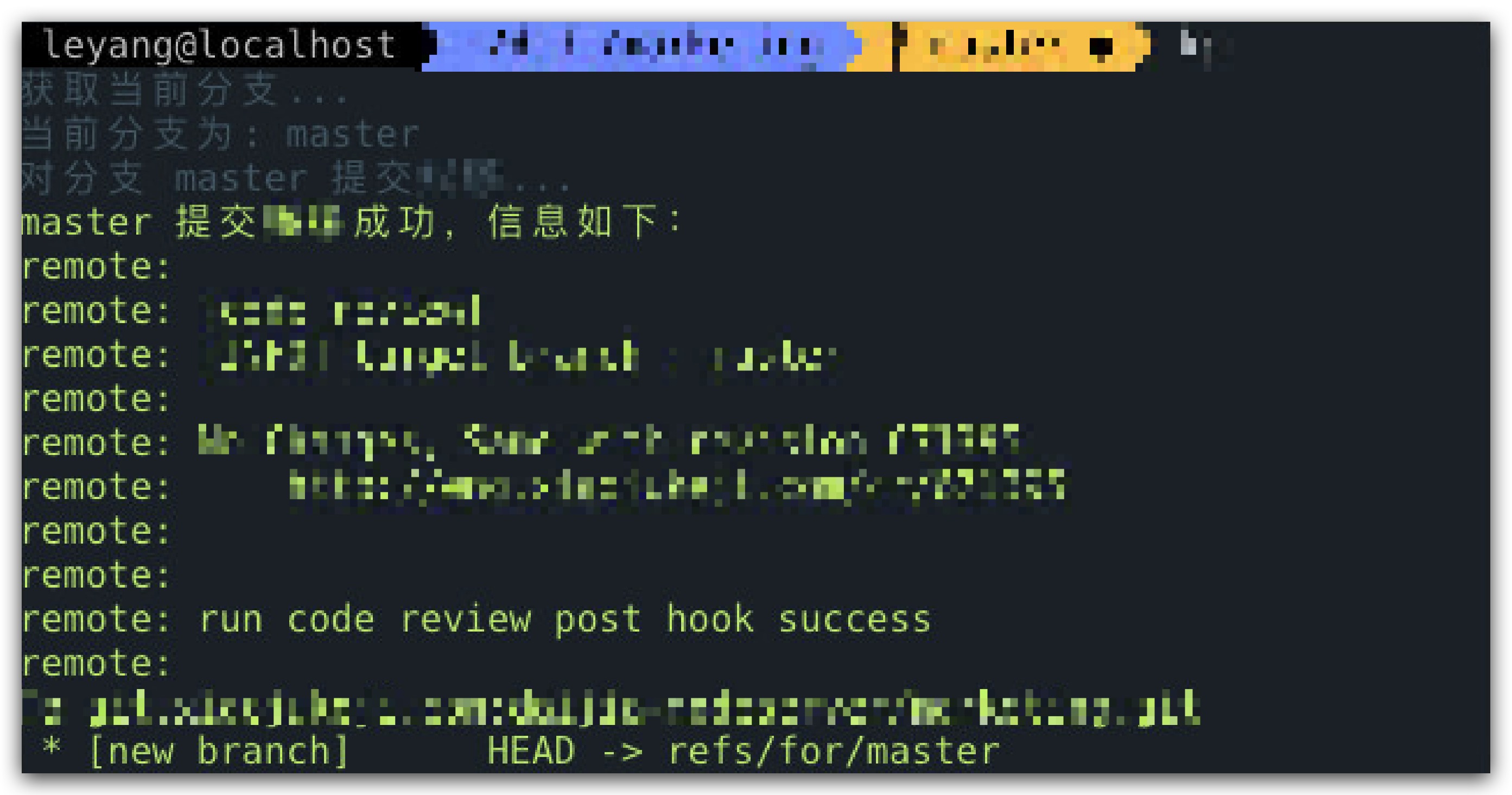
Global Usage (Recommended for non-frontend projects)
Install
npm i @dd/gerrit-cli -g
Execute
Make sure you’re in a git project directory
gerrit
Example
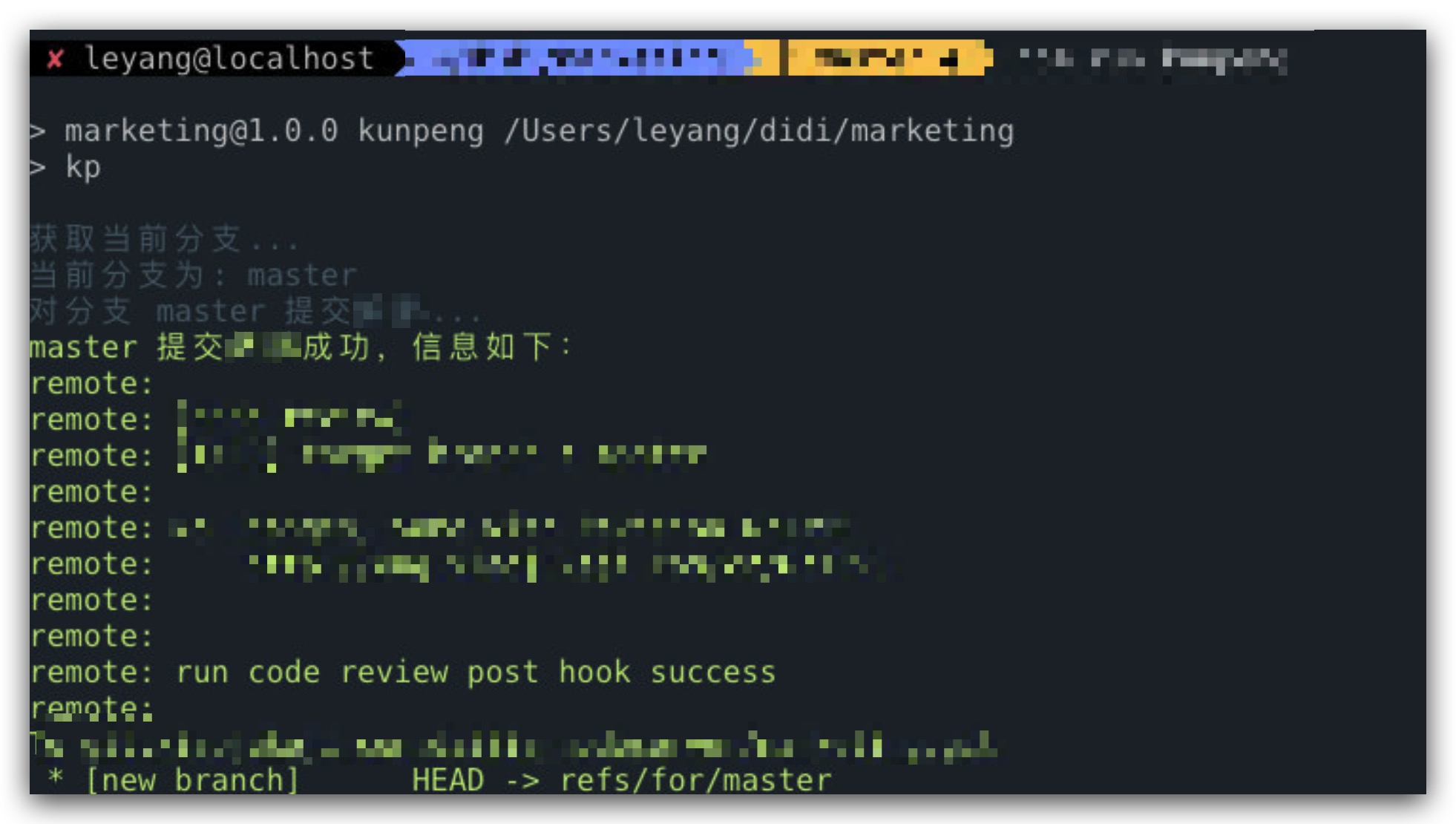
Local Usage in JavaScript Projects (Recommended for frontend projects)
Install
npm i @dd/gerrit-cli --save-dev
Add gerrit script to package.json
1 | "scripts": { |
Execute
Make sure you’re in a git project directory
npm run cr
Example
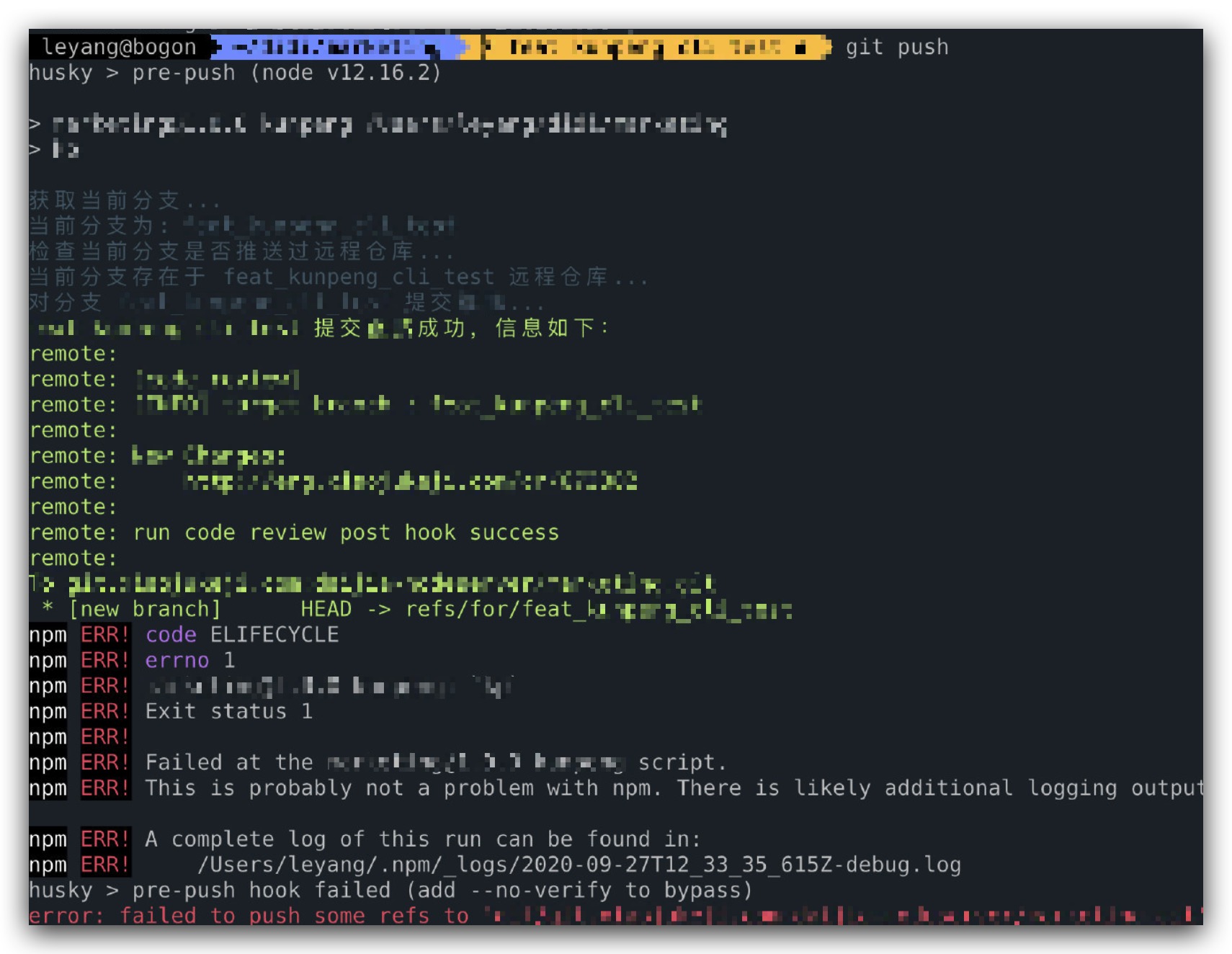
Using with husky
Add gerrit script to package.json
1 | "scripts": { |
Execute
Make sure you’re in a git project directory
git push
Example
TODO
- Add sub-command to generate gerrit configuration file
- Print CR convention documentation links so newcomers won’t be confused
- Wrap as SDK for other tools to use
Summary
We all encounter similar scenarios from time to time. Looking at them from an engineering perspective and wrapping them up lets originally npm-ecosystem-external bash scripts integrate seamlessly!
Wrapping Bash Scripts into CLI Tools with Node.js
http://quanru.github.io/2020/10/02/Wrapping-Bash-Scripts-into-CLI-Tools-with-Node.js